
Knowledge overview
Learn the difference between knowledge bases and folders of Documents, and how answers cite the sources they used.
Knowledge is where your company information lives: policies, price lists, contracts, notes and the files the assistant creates for you. Open it from the left-hand menu. The page lists your Folders & knowledge bases and your Recent files.
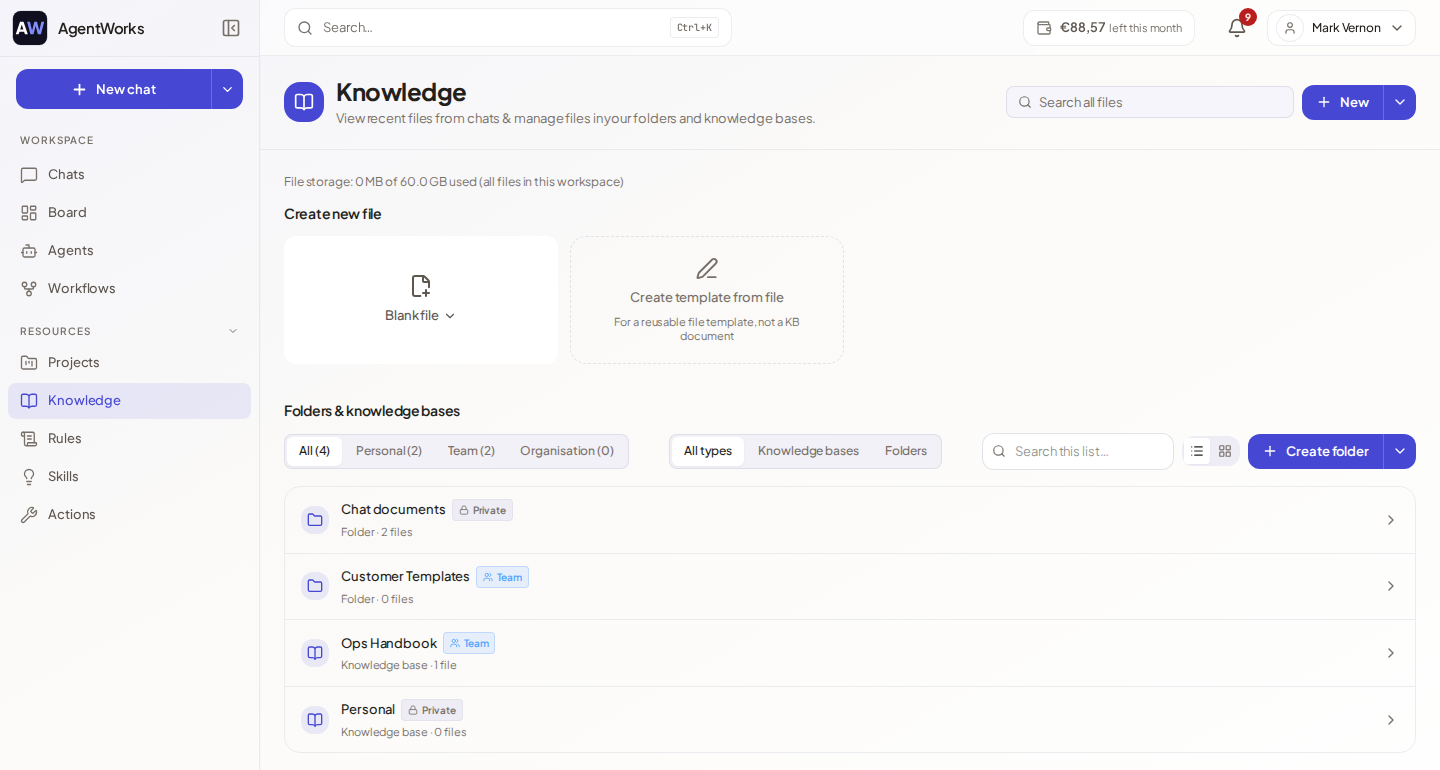
Two ways to keep information
| Knowledge base | Folder (Documents) | |
|---|---|---|
| Best for | Stable reference material the AI should search: policies, manuals, FAQs. | Working files the AI can read, edit and create alongside you. |
| How the AI uses it | Searches it and cites the matching documents. | Reads the files directly when it needs them. |
| Indexed for search | Yes. Each document is converted once. | No. A folder is never indexed. |
| Cost | Adding a document is billed to your wallet per document, with the estimated cost shown first. Searching afterwards is free. | Free to use. |
| Editing | Documents are added and reviewed. | Files open in the editor. |
The create menu reminds you of this: folders stay dynamic and are free to use, while knowledge bases are embedded for AI search and billed per document.
See Knowledge bases and Documents.
Using knowledge in chat and agents
- In a chat, type
/and pick the Knowledge tab, or use Add knowledge in the paperclip menu, to attach a knowledge base or a folder. You can also choose Chat with this knowledge base or Chat with this folder on its page to start a chat with it attached. - On an agent, add it under Knowledge in the Setup tab. See Knowledge and memory.
Your workspace can also have knowledge bases that are always active for everyone. A chat then shows how many organisation knowledge bases are always active.
Citations
When the assistant answers from your documents, it cites them. A small numbered badge appears in the text (hover it to see "Source 1" and the document name), and the sources are listed under the answer. Choose a source to preview it, and Open document to go to the document itself. For files read from Google Drive or OneDrive, a source opens the file at the provider. Sources from the web and from your files are numbered in the same list.
A citation only appears when the assistant actually used a source. If an answer has none, it came from the model's general knowledge or your message, not from your documents.
Who can see what
Folders and knowledge bases start Private to you. You can share them with a person, with a team (Business and Enterprise) or, for workspace admins, with the whole workspace. The page can be filtered by Personal, Team and Organisation. The Free plan includes a limited number of knowledge bases, and the page shows your limit.