
The cost of the turn you just ran
Your balance updates as the model streams. No credit currency to translate, no month-end surprise — just what this answer cost, in euros, next to the answer.
Analytics & monitoring
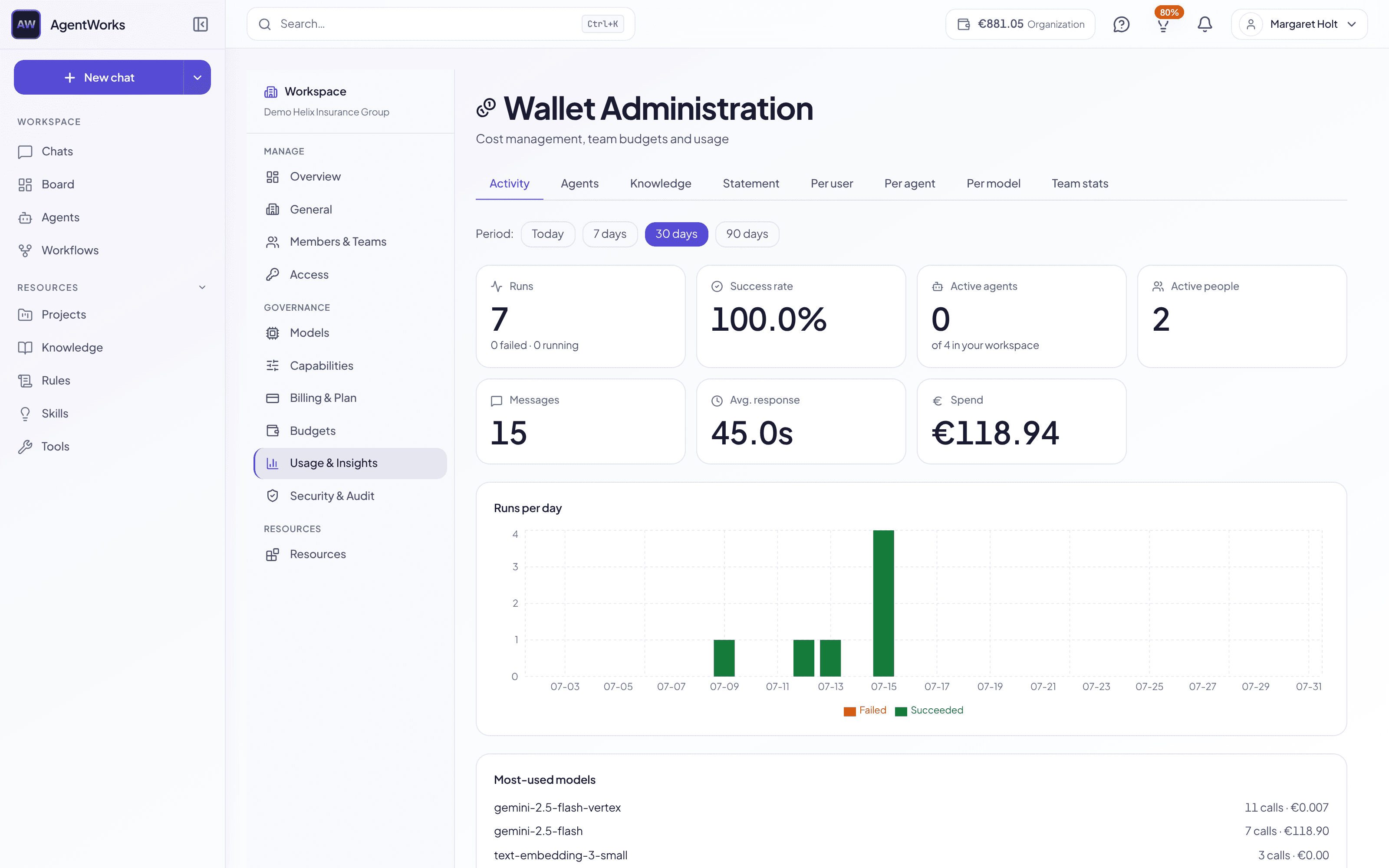
Most teams find out what AI cost them when the invoice arrives. Here the number is on screen while the answer is still being written — per turn, per run, per agent, per person.
Your balance updates as the model streams. No credit currency to translate, no month-end surprise — just what this answer cost, in euros, next to the answer.
The activity feed lists each agent, workflow and scheduled run with status, duration and cost. Each agent also keeps its own run history, so you can see whether the one you rely on is still succeeding.
Set a monthly ceiling per user or per team, and let a manager hand out budget within it. The limit is enforced, not merely reported — spend stops at the line you drew.
A run that finishes, fails, or needs your approval reaches you in the app and by email — including scheduled runs that fired while nobody was watching.
Ask "what did we spend this week?" in the chat and get today’s KPIs back. For finance, pull runs, tokens and cost over any window from 7 to 90 days as CSV.
€5 welcome credit, no credit card. See the cost of every run while it happens — and set the ceiling before it matters.
See how other platform capabilities work together.
Chat
One thread for every model, agent and tool you run
AI Agents
Start from 50+ templates, or build your own without code
Multi-Agent Pipelines
Chain agents into automated workflows
Knowledge & RAG
Ground answers in your own documents, with citations
AI Tools
What agents can actually do — and the approval before they do it
Compliance
EU AI Act and GDPR compliance dashboard
Last updated: July 2026